
ConsoleWorks Enterprise Suite
ConsoleWorks Enterprise Suite is a desktop application designed to help you monitor and manage multiple ConsoleWorks invocations across your enterprise. The application is fully customizable via plugins to provide the level of detail and functionality to fit your needs.
Installation
 click here for larger image
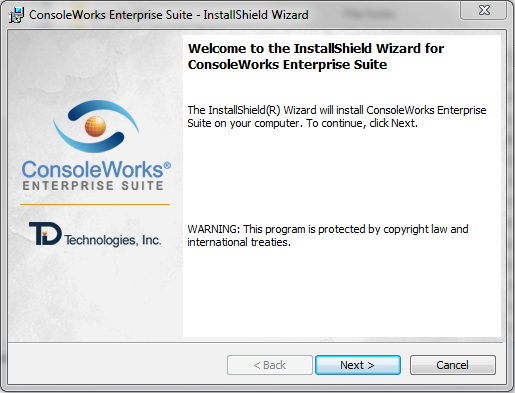
Enterprise Suite is designed for installation on Windows desktops and comes with a standard Microsoft InstallShield Wizard.
 click here for larger image
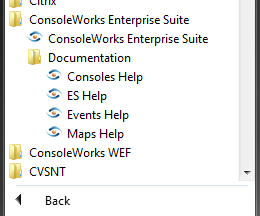
Once installed, you can find ConsoleWorks Enterprise Suite in your Windows start menu. From there you can run the application or access the help documentation.
Interface
 click here for larger image
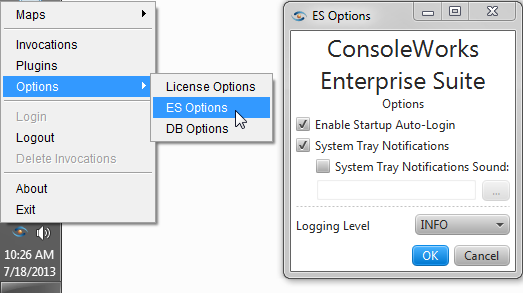
The Enterprise Suite is not apart of the standard ConsoleWorks interface, but runs as a standalone application on a user's desktop. Once started, the application runs in the background in your notification area.
 click here for larger image
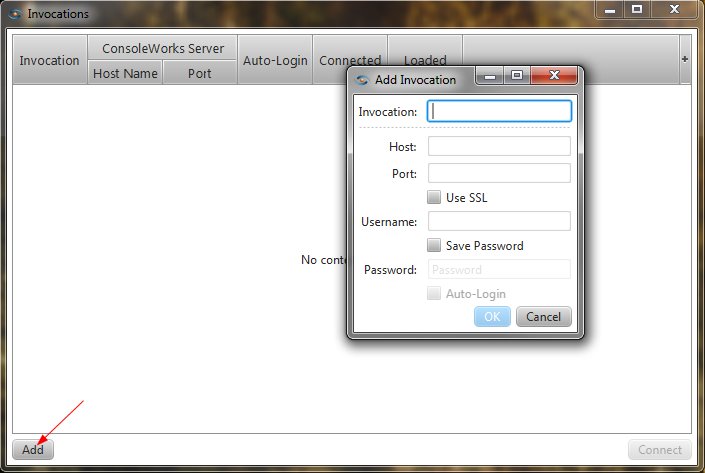
While the licenses for Enterprise Suite are tied to a specific ConsoleWorks invocation, the interface supports multi-invocation environments. The application can connect to all of the ConsoleWorks invocations in your environment and control whether to log into them automatically or not and with what User.
Plugins
 click here for larger image
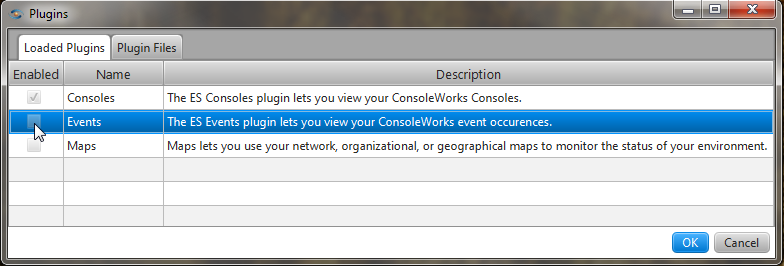
Enterprise Suite consists of separately licensed features that can be included in any combination.
- Maps - a graphical view into the status of your enterprise
- Consoles
- Events
Maps Plugin
 click here for larger image
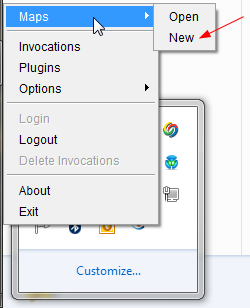
A top-level view containing links to each invocation in the environment can be created and stored locally. This view file may be shared with other users or copied to another machine running Enterprise Suite to give it the same view option. The rest of the views (views specific to a single invocation?) will be stored on the ConsoleWorks server and will only have access to those consoles/groups hosted on that invocation. It consists of one or more views which contain a background image with 0 or more icons placed on it. An icon can display the status of a console, a group (rolling up console status), or nothing. Icons are represented by an image that may be selected from your desktop, a solid color with ability to select that color, a transparent image, or by a default image we supply. Icons may be moved around on the background image as well as resized, they will maintain their location and size relative to the background regardless of scaling of the background. The background (and thus all icons) will be scaled to fix the hosting window maintaining aspect ratio. The background will remain completely visible regardless of size of the window it's in, taking the size of the more constrained direction. That means if the window is shorter than the background the sides of the window will be blank (i.e. letterboxing), similarly if the window is narrow but tall the top and bottom will not display the image. The background will be centered in the direction it doesn't fill.